
Contacts CRM
CRM functionality
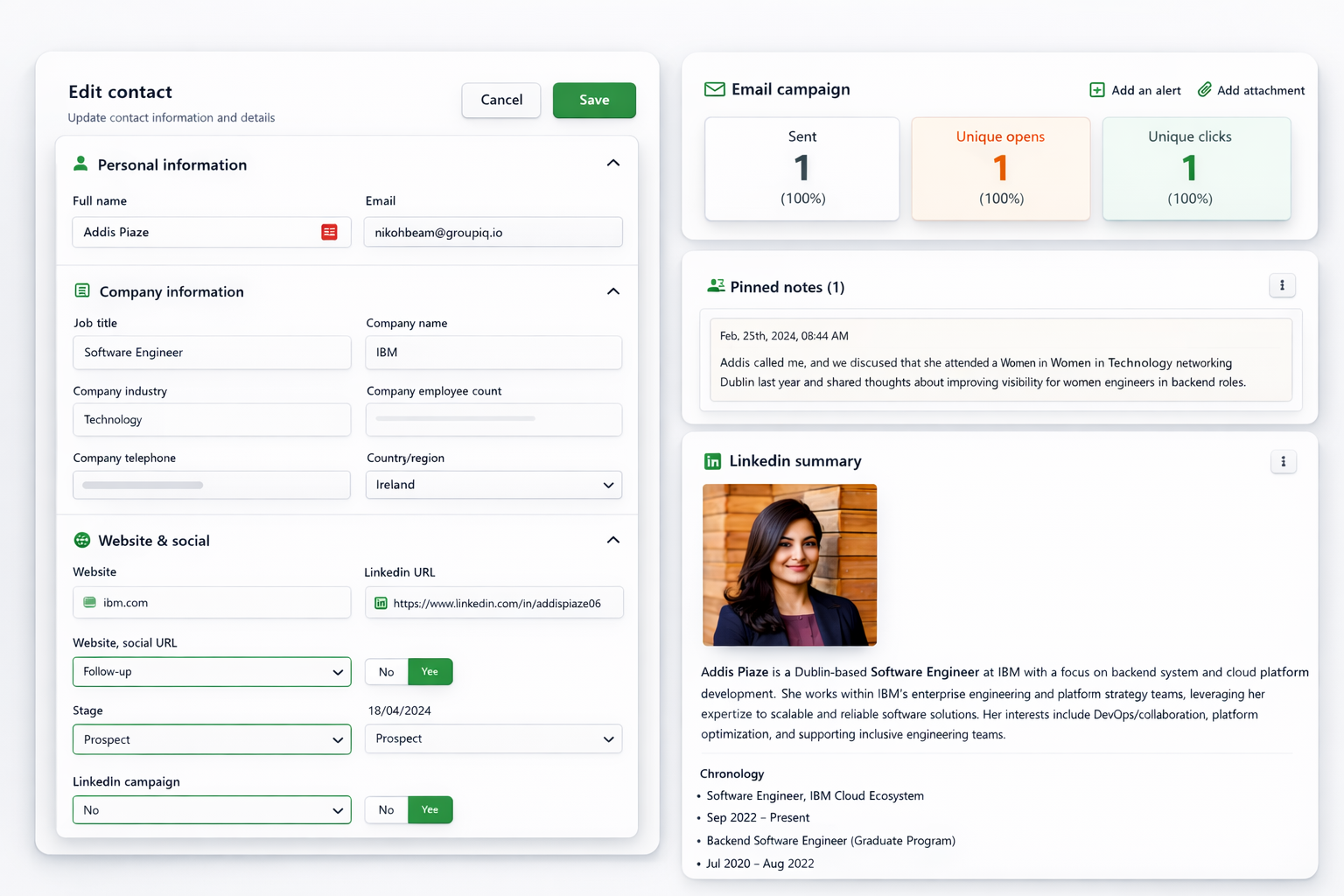
PitchKraft has full CRM functionality, so when you have sent your email campaigns you can progress the good work you have done with individual contacts. Set custom fields to fit your workflow, add notes (which can be used to personalize outreach in future email campaigns), add LinkedIn information (which also can be used to personalize emails), track emails, view all history and lots more.
Tips and tricks
When creating custom fields, bear in mind that you can use these as filter criteria when you create ‘views’. You can then use views in email campaigns.
