Home » Getting Started
Welcome to PitchKraft! Let’s get you started on turning emails into revenue machines.
Welcome to Pitchkraft, the hyper-personalized email Krafter that turns cold outreach into warm conversations. This user guide will help you navigate Pitchkraft and get the most out of its powerful features. If you’re looking to improve your sales & marketing emails, Pitchkraft enables you to generate thousands of custom-tailored emails as if you wrote each one by hand, but in a tiny fraction of the time.
Why personalization? People ignore generic copy-and-paste emails. With Pitchkraft, every message feels tailor-made for the recipient, dramatically improving engagement. Personalized emails achieve significantly higher open and reply-to rates. Pitchkraft uses advanced AI to research your contacts and create unique content for each, so your outreach stands out from the noise.
This guide is organized to walk you through all the features and benefits. PitchKraft is user-friendly and intuitive so you don’t actually need to read anything before diving in, but if you want to be an expert then check out the user guide.
Let’s get started on turning your emails into revenue machines!
Start quickly without overthinking. Dive in. Create some blueprints (aka templates), add some contacts, generate some emails, go back and tweak the blueprints and test again until everything is perfect. Use PitchKraft across marketing, sales, communications, events, and all your outreach. Write once, then scale thousands of emails that feel genuinely human and engaging.
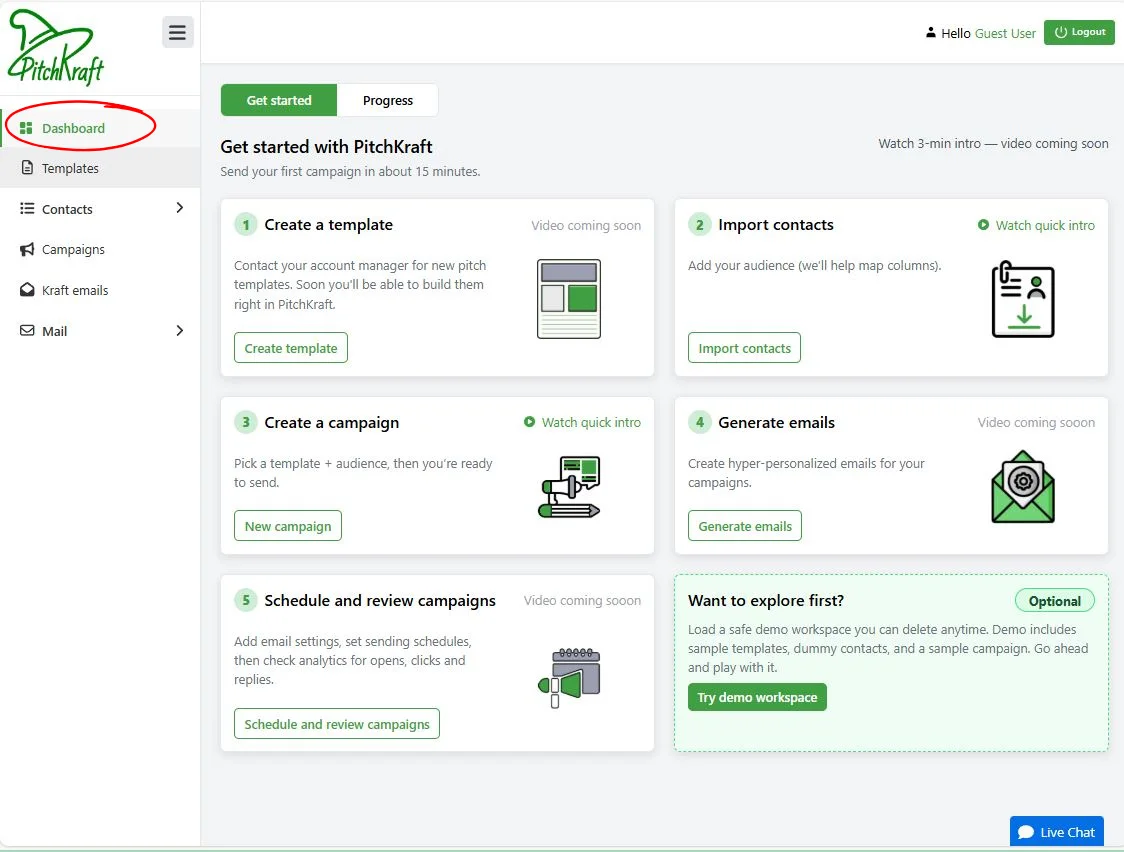
PitchKraft’s dashboard is the best place to start to get an understanding of all the main features of the very best in email hyper-personalization tools. You’re eager to dive in, so let’s go through the main sections, one-by-one.
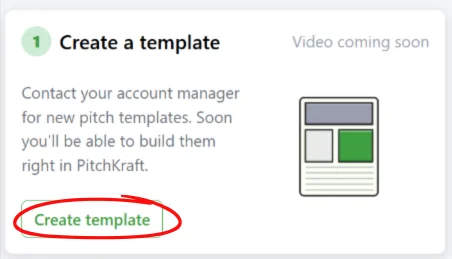
You can use PitchKraft’s Blueprint Builder to create hyper-personalized email templates, even if you have no content writing or design skills whatsoever. The easiest thing to do is to drop in an email which you are using now and a blueprint is created right before your eyes. Blueprint Builder reverse engineers, disassembles, improves and then reassembles the email structure ready to be hyper-personalized for each and every one of your prospects.
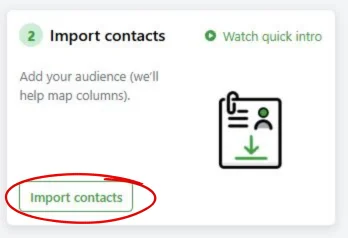
Drop in a file of the contacts you want to send your hyper-personalized emails to (with columns such as Name, Email, Company etc). PitchKraft will map the columns automatically. Create as many lists as you need to segment your contacts.
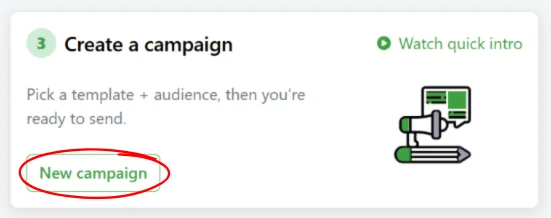
Go to the campaigns section, match the contact list and a blueprint to create a campaign. A 30 second job.
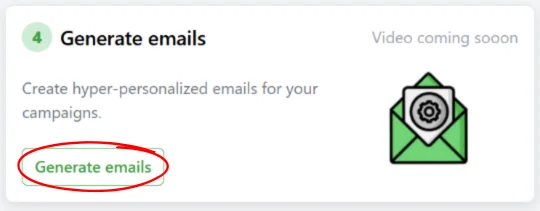
Choose a campaign and click ‘Kraft emails’. It’s that easy. Hyper-personalized emails appear, as if by magic. Scroll through the emails. You’ll see that every word of every email is different, referring to details about each contact’s company and/or role. Make edits if you want to, tweak phrasing or regenerate. Subject lines are created either by AI or you can use the usual placeholders. Not quite right? Go back to blueprints and edit the tone, greetings, hook and personalization search, visuals, assets and every other detail.
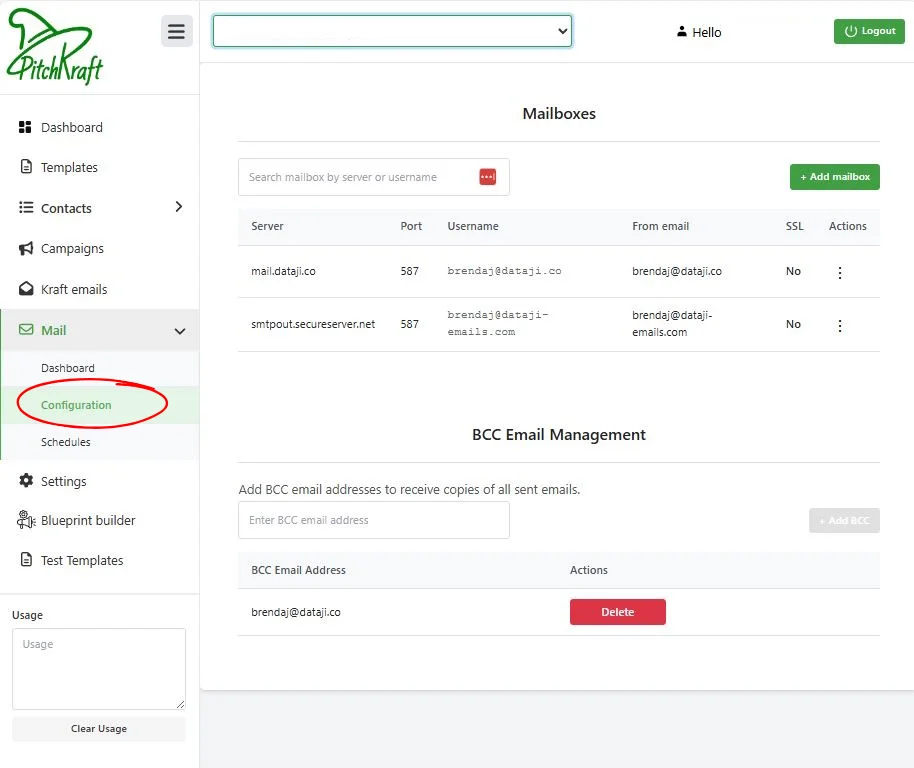
Before sending, head to Mail → Configuration. Connect your email account by entering SMTP details. This lets Pitchkraft send emails from your very own email domain. Free email verification tools are available to use to ensure every email lands in the inbox.
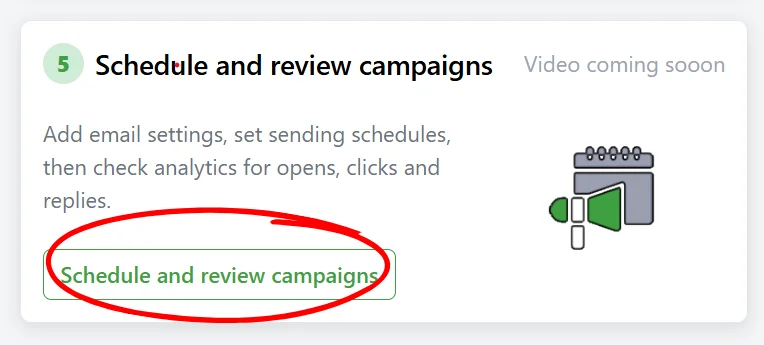
You can send individual emails from the ‘Kraft Emails’ section or creates schedules by going to Mail → Schedules. If scheduling then select the campaign, choose the sender mailbox account and set a future date/time.
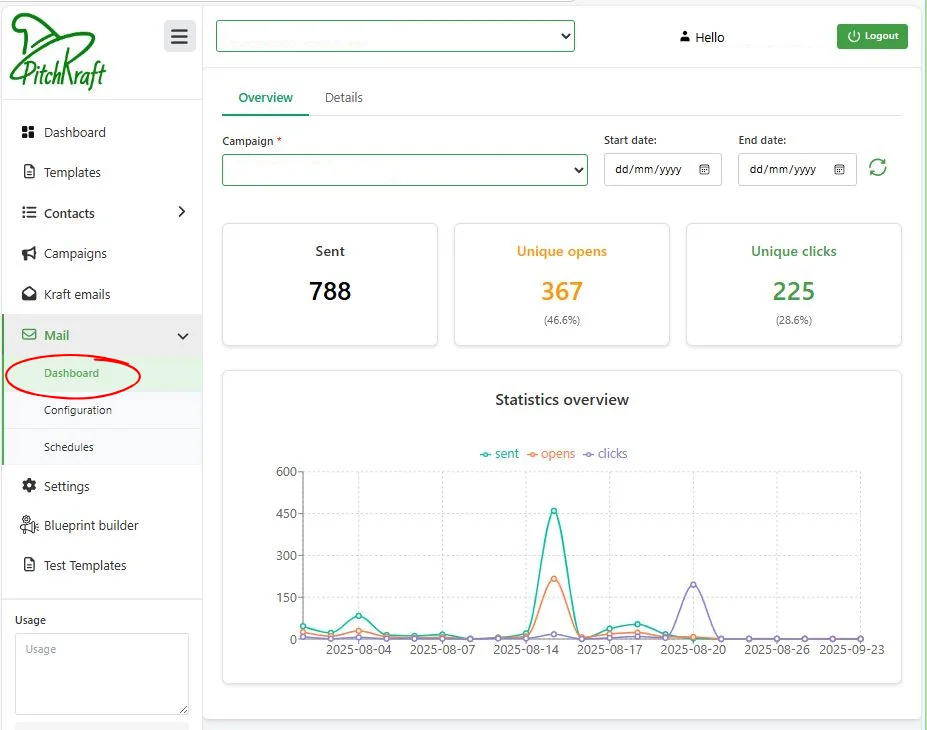
Finally, check the Mail → Dashboard for the detailed analytics. Here you’ll see how many emails were sent and how many were opened and clicked, and when. Use these insights for instance to create a hyper-personalized follow-up campaign to focus on contacts who opened your emails and clicked on your links. Send LinkedIn requests with auto-generated summaries of your emails.
That’s the process in a nutshell. From uploading contacts to watching the clicks roll in, Pitchkraft streamlines personalized outreach. In next sections , we’ll explore each step in detail with screenshots, tips and videos, so you can become a Pitchkraft pro.
Next up: creating blueprints – the magical foundation of your campaigns.
Get in touch
24/7/365 help desk support comes as standard. We know…this is not normal!

support@pitchkraft.ai

London: +44 (0) 207 660 4243
New York: +1 (0) 315 400 2402